







How to Withdraw Money from PayPal Easily (2025)

Santiago Coates

June, 09, 2025

4 min.
Do you have a balance in PayPal and don’t know how to withdraw it efficiently? In 2025, withdrawing money from PayPal can be very simple if you know the right options and avoid excessive fees that can reach up to 15%.
This guide will show you the best alternatives to withdraw your PayPal balance, especially if you live in Argentina or Bolivia, where currency restrictions and inflation make choosing the right method crucial to protect your money.
You’ll discover:
- How to avoid PayPal’s high fees (3-4% official vs 2% with alternative methods)
- Why Airtm has become the most recommended option in 2025
- How to access the parallel exchange rate safely
- Step-by-step methods for Argentina and Bolivia
The difference between using PayPal’s traditional method and the alternatives we’ll see can mean saving hundreds of dollars in fees, especially if you handle significant amounts.
Method 1: Traditional Bank Transfer
Basic steps:
- In PayPal, go to “Wallet” → “Link bank account”
- Complete banking details (IBAN, CLABE, SWIFT)
- Confirm with verification micropayments
- Select “Withdraw funds” → “Transfer to bank account”
Time: 1-5 business days
Fees: Fixed fee + 3-4% for currency conversion
Advantage: Official and secure method
Disadvantage: High conversion rate and delays
Method 2: Withdraw in Argentina
Official option:
- Link your ARS bank account to PayPal
- USD → ARS conversion is done automatically
- Time: 2-4 business days, 3-4% commission
P2P alternatives:
- Airtm connects you with a wide P2P network
- Better exchange rate (close to parallel)
- Risk of scams, verify buyer’s reputation
- Time: 24 hours or less
Method 3: Withdraw in Bolivia
Bank transfer:
- Link Bolivian bank (USD or BOB account)
- Conversion with 5-7% margin over official rate
- Time: 3-5 business days
Crypto-P2P alternatives:
- Convert PayPal to USDT/USDC on platforms like Airtm
- Sell crypto for BOB or USD
- Receive payment via local transfer
Steps to use Airtm:
- Create Airtm account:
- Register at Airtm
- Verify identity with document and selfie
- Complete profile with local banking details
- Get USA Virtual Account:
- Go to “Virtual accounts” → “Create new”
- Choose “USA Virtual Account (USD)”
- You’ll see your Routing Number and Account Number
- Link PayPal with Airtm:
- In PayPal, link Airtm’s USA Virtual Account
- Transfer your PayPal balance to this account
- Funds are automatically converted to USDC
- Sell on P2P Market:
- Access “Market” → “P2P” in Airtm
- Filter by your country (Argentina/Bolivia)
- Choose the option that works best for you
- Create sell order with best rate
- Receive payment in local currency (ARS/BOB)
Method Comparison
| Method | Time | Commission | Rate | Security |
| Bank transfer | 1-5 days | 3-4% | Official | High |
| Traditional P2P | 24 hours | 1-2% | Parallel | Medium |
| Airtm | 1-3 hours | 2-4% | Parallel | High |
Final Recommendations
For maximum security:
- Use official bank transfer if you don’t mind the high commission
For better exchange rate:
- Use Airtm as the safest option
- Consider P2P
Security tips:
- Always verify buyer’s reputation in P2P
- Don’t keep high balance in PayPal for long periods
- Compare rates before any conversion
- Document all transactions
In 2025, the most recommended option is Airtm because:
- Combines security with good exchange rate
- Faster process than traditional methods
- Inflation protection with USDC
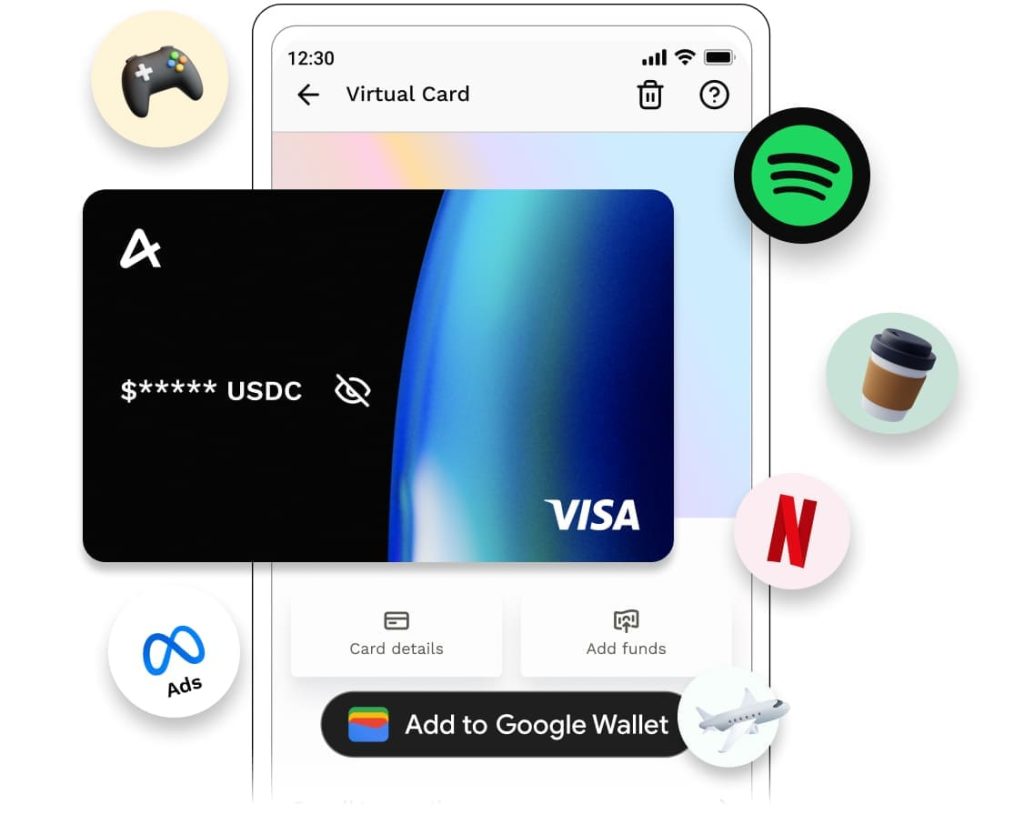
- Access to virtual card for international expenses
Create your Airtm account and simplify your PayPal withdrawals safely and efficiently.
👇 Get the New USD Virtual Card 👇